A Common Worry
Bed bug preparation for electronics worries almost everyone, and the fear usually comes in two parts. People worry about heat or products damaging their devices, and they worry about bugs hiding inside them. Both worries are reasonable, and both have practical answers.
So, can bed bugs live in electronics? Yes, but it’s uncommon. Terminix notes it usually happens only when a device has sat against infested fabric or the infestation is severe.
Warm devices near beds and sofas are the likeliest spots. That’s why we focus there first.
Below, we cover what to unplug and move, what heat does to devices, and how to handle appliances. Our heat treatment prep service handles electronics staging on every job.
What to Unplug and Move
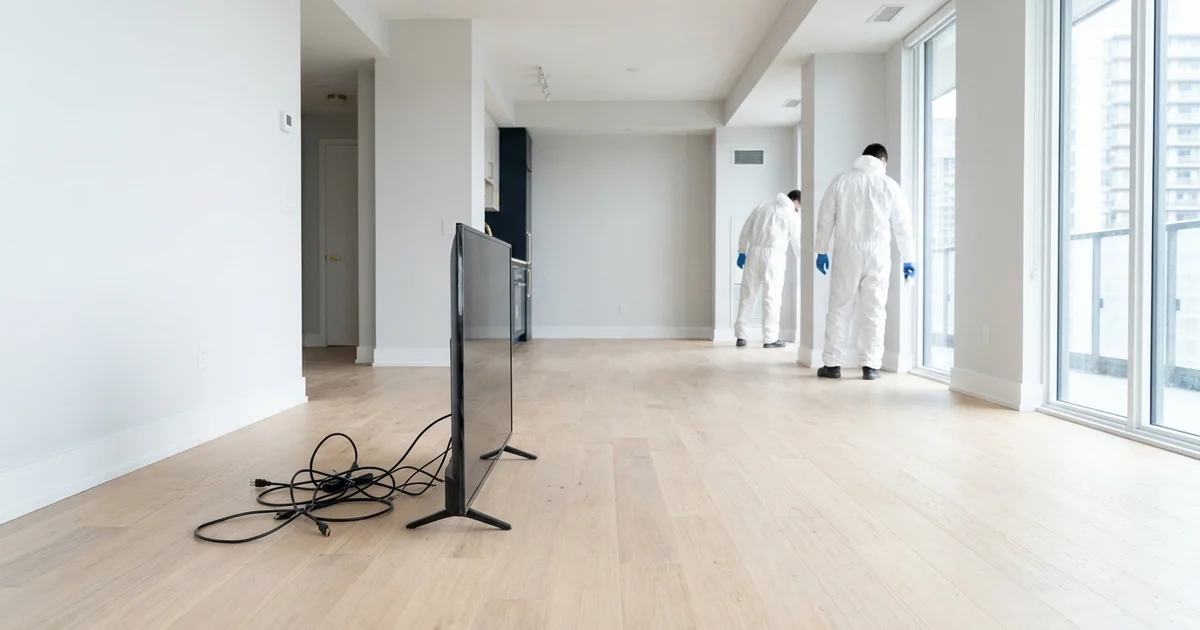
Unplug everything in treated rooms unless your exterminator’s sheet says otherwise. Then clear space so the technician can reach every outlet, seam and baseboard.
- Pull TVs, computers and media units away from walls
- Coil cables and lift them off the floor
- Move power bars and extension cords so outlets are visible
- Take small devices off nightstands and headboards
University of Kentucky Entomology notes bed bugs hide in “outlets,” among other spots. Clearing around outlets matters as much as the devices themselves.
A clear outlet is easier to inspect and treat. A tangle of cords behind a TV hides exactly the gaps a technician needs to see.
Heat Treatment and Electronics
Heat treatment raises rooms to about 135-140F, and many electronics tolerate that when they’re off and unplugged. Some don’t, so your exterminator’s sheet decides. If you are not sure which method you have been booked for, our comparison of bed bug heat treatment vs chemical spray prep explains how the two sheets differ.
Bed bugs die at lower temperatures than that. A 2011 University of Minnesota study in the journal Insects found adults needed about 95 minutes at 45°C to reach 99% mortality, while eggs needed about 72 minutes at 48°C. Rooms run hotter so the heat reaches hidden spots, and your devices feel that same heat.
Items commonly removed or protected include:
| Item | Common approach for heat |
|---|---|
| Laptops, tablets, phones | Remove or seal per sheet; keep phones with you |
| TVs | Often stay, unplugged and pulled from walls |
| Gaming consoles | Unplug, inspect or seal per sheet |
| Batteries and power banks | Remove |
| Aerosols near devices | Remove |
| Medical devices (CPAP, oxygen) | Ask exterminator; usually remove |
| Vinyl records, film, candles | Remove |
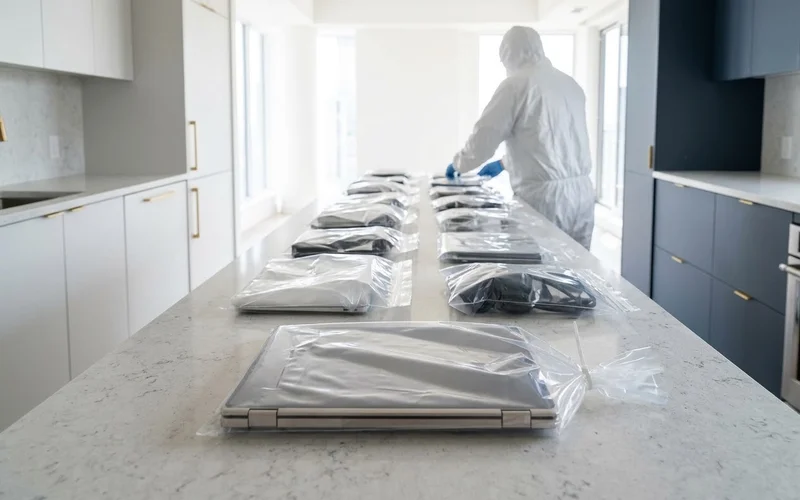
Batteries and aerosols are the items people forget. Lithium batteries and pressurized cans don’t mix with a 140F room, so move them out before the crew arrives.
Spray, Steam and Cryogenic
Each method treats electronics differently, so ask which one your exterminator plans to use. Here’s what to expect:
- Spray: technicians avoid spraying inside electronics, so clear access around them
- Steam: keep moisture away from all electronics
- Cryogenic CO2: protect devices from condensation
Steam and CO2 both bring moisture or cold surfaces near your gear. Cover or move anything with exposed ports and vents.
Inspect vs Isolate
Bugs are drawn to warm, sheltered spots near people, so devices near beds and sofas deserve attention. You have three options:
- Inspect: look at seams, vents and undersides with a flashlight
- Isolate: seal in a clear bag or bin and keep apart until your exterminator advises
- Treat: some exterminators treat devices directly with suitable methods
Never put electronics in a washer or dryer, and never spray store-bought products into them.
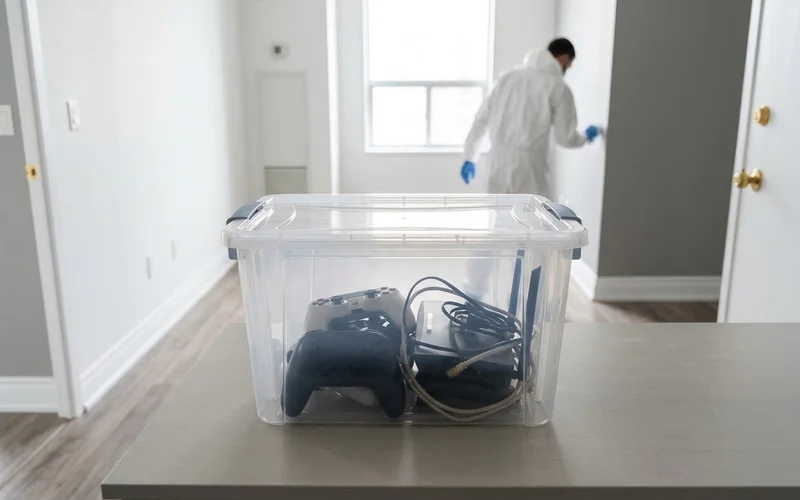
A clear bag makes a good checkpoint. If you see anything inside the bag later, you know the device needs attention before it goes back near the bed.
Appliances
For appliances bed bug prep is lighter than for electronics. Pull the fridge, stove and washer only if the sheet asks.
- Clear the tops of appliances
- Empty microwaves and toaster ovens and wipe them
- Unplug small kitchen appliances and clear counters
The fridge is the usual exception to “unplug everything.” Many heat providers want it left running, so confirm with your technician before you touch the cord.
Paper and Electronics Together
Desks often hold both, so prep them together. Our books, paper and documents guide covers the paper side.
Sort the paper first, then bag the devices. That way you only handle each pile once.
After Treatment
Plug devices back in only after your exterminator clears the unit. Check cables and vents for any signs before setting things back near the bed.
Health Canada notes that “bed bugs move easily from room to room on infested objects,” so don’t take devices to work or school during treatment unless they’ve been checked or isolated. That matters even more for business owners with shared offices.
How We Help
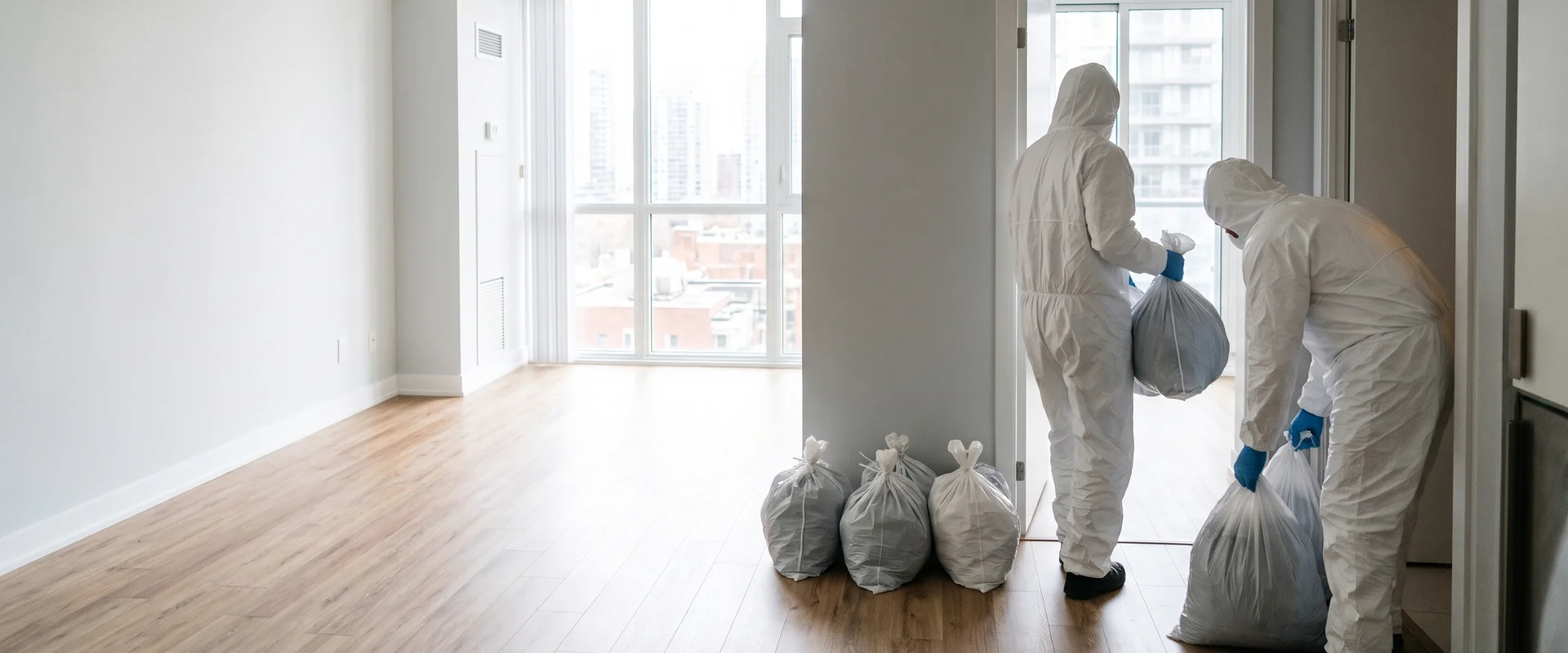
Our crew unplugs, coils, stages and seals electronics, then removes heat-sensitive items for heat jobs. We also photograph the layout so put-back is easy.
Prep is included in our published rates from $1,500 for a studio or 1-bed. The City of Toronto says “anyone can get bed bugs regardless of income or housing, so there is nothing to be embarrassed about.”
Ready to book? Contact us and we’ll walk you through your electronics checklist before treatment day.